
Validate EU VAT Numbers in Zapier, Make or n8n (No Code)
If you sell to businesses in the EU, the VAT number on the invoice has to be a real one. When you apply the reverse charge to a number that later turns out to be invalid, the tax office can ask you for the VAT. Checking each number by hand on the EU's VIES page works until you have more than a few new customers a week.
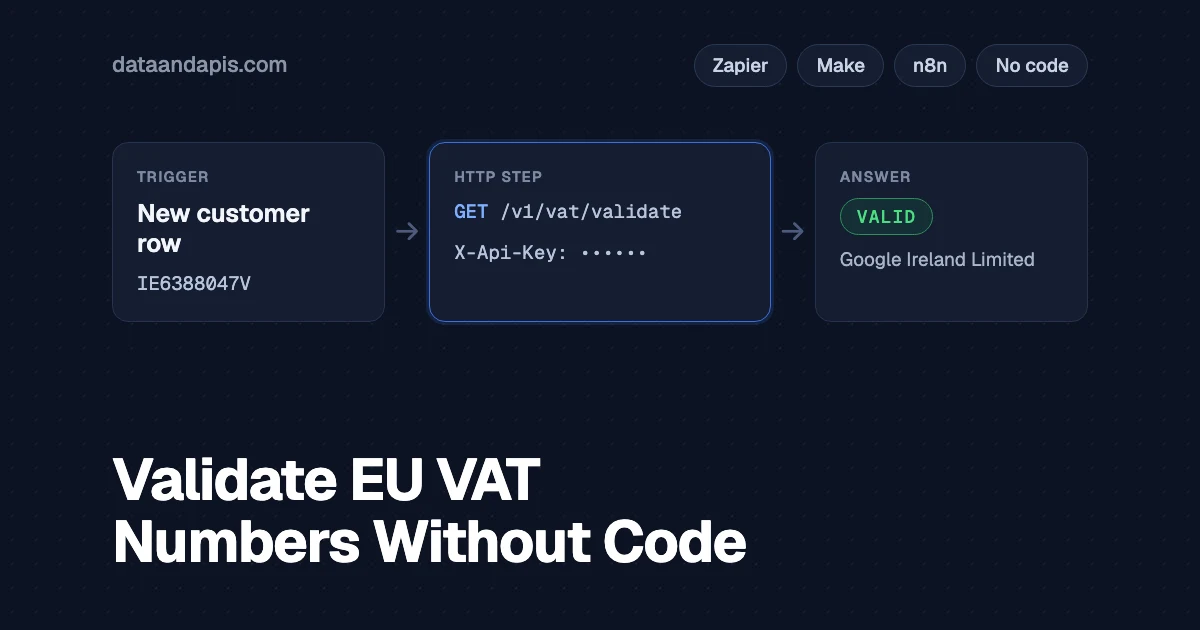
This guide sets the check up as one step in Zapier, Make or n8n. A VAT number goes in; valid or not valid comes back, with the registered company name when the country shares it. There is no code to write and it takes about ten minutes.
The Short Version
All three platforms do the same thing: they send one request to the VAT Validation API and read the answer.
GET https://api-vat.dataandapis.com/v1/vat/validate?vat=IE6388047V
X-Api-Key: YOUR_API_KEY
{
"ok": true,
"country": "IE",
"country_name": "Ireland",
"vat_number": "IE6388047V",
"valid": true,
"name": "GOOGLE IRELAND LIMITED",
"address": "3RD FLOOR, GORDON HOUSE, BARROW STREET, DUBLIN 4",
"checked_at": "2026-11-27T04:28:05.000Z",
"checked_against": "VIES (EU official registry)"
}
valid is the field you act on. name and address are what the tax authority has on file. checked_at is when the EU registry gave that answer, which is worth keeping next to the customer record.
Before You Start
You need one thing first: a Data and APIs key. Create a free account, click Generate API Key on the dashboard and copy the key. The Free plan gives you 500 tokens a month and asks for no card. One VAT check costs 2 tokens, so the Free plan covers 250 checks a month.
The examples start from a Google Sheet with a column of VAT numbers. Any other trigger works the same way: a form submission, a new customer in your shop, a new deal in your CRM.
Set It Up in Zapier
Webhooks by Zapier, filters and Zaps with more than two steps are part of Zapier's Professional plan and above. They are not included in the Free plan.
- Trigger: Google Sheets, event New Spreadsheet Row. Pick the sheet that holds the VAT numbers.
- Action: add Webhooks by Zapier and choose the event GET.
- URL:
https://api-vat.dataandapis.com/v1/vat/validate - Query String Params:
vaton the left, the VAT number column from the trigger on the right. - Headers:
X-Api-Keyon the left, your key on the right. - Test the step. Zapier lists the answer as fields you can use later: Valid, Name, Address and the rest.
- Action: Google Sheets, event Update Spreadsheet Row. Use the row from the trigger and map Valid and Name into two empty columns.
- To stop invalid numbers going any further, put Filter by Zapier after the check: only continue if Valid is true.
Set It Up in Make
- Trigger: Google Sheets > Watch New Rows.
- Module: add HTTP > Make a request.
- Authentication type: choose API key. Under Credentials, add a new key: paste your key in Key, set API key placement to In the header and API key parameter name to
X-Api-Key. If Make asks for allowed service origins, enterhttps://api-vat.dataandapis.com. - URL:
https://api-vat.dataandapis.com/v1/vat/validatewith Method set to GET. - Query parameters: name
vat, value the VAT number column. - Parse response: Yes. Run the module once so Make learns the fields in the answer.
- Next module: Google Sheets > Update a Row, mapping
validandnameinto the row. - To branch, click the line between two modules, choose Set up a filter and use the condition
validequal totrue.
Set It Up in n8n
Copy the workflow below, click on an empty n8n canvas and paste it (Ctrl+V, or Cmd+V on a Mac). It arrives with a sample value, so you can run it before you connect anything else.
{
  "name": "Validate an EU VAT number",
  "nodes": [
    {"parameters": {}, "id": "n1", "name": "Run manually", "type": "n8n-nodes-base.manualTrigger", "typeVersion": 1, "position": [0, 0]},
    {"parameters": {"assignments": {"assignments": [{"id": "a0", "name": "vat", "value": "IE6388047V", "type": "string"}]}, "options": {}}, "id": "n2", "name": "Sample input", "type": "n8n-nodes-base.set", "typeVersion": 3.4, "position": [220, 0]},
    {"parameters": {"url": "https://api-vat.dataandapis.com/v1/vat/validate", "authentication": "genericCredentialType", "genericAuthType": "httpHeaderAuth", "sendQuery": true, "queryParameters": {"parameters": [{"name": "vat", "value": "={{ $json.vat }}"}]}, "options": {}}, "id": "n3", "name": "Data and APIs", "type": "n8n-nodes-base.httpRequest", "typeVersion": 4.2, "position": [440, 0]},
    {"parameters": {"conditions": {"options": {"caseSensitive": true, "leftValue": "", "typeValidation": "strict", "version": 2}, "conditions": [{"id": "c0", "leftValue": "={{ $json.valid }}", "rightValue": "", "operator": {"type": "boolean", "operation": "true", "singleValue": true}}], "combinator": "and"}, "options": {}}, "id": "n4", "name": "Check the answer", "type": "n8n-nodes-base.if", "typeVersion": 2.2, "position": [660, 0]},
    {"parameters": {}, "id": "n5", "name": "Valid VAT number", "type": "n8n-nodes-base.noOp", "typeVersion": 1, "position": [880, -100]},
    {"parameters": {}, "id": "n6", "name": "Not valid", "type": "n8n-nodes-base.noOp", "typeVersion": 1, "position": [880, 100]},
    {"parameters": {"content": "## Validate an EU VAT number\n1. Open the **Data and APIs** node and pick or create a **Header Auth** credential: Name `X-Api-Key`, Value your key from dataandapis.com.\n2. Click **Execute workflow** to try it with the sample input.\n3. Replace the first two nodes with your own trigger, and the last two with what should happen next.", "height": 220, "width": 420}, "id": "n7", "name": "Read me", "type": "n8n-nodes-base.stickyNote", "typeVersion": 1, "position": [0, -280]}
  ],
  "connections": {"Run manually": {"main": [[{"node": "Sample input", "type": "main", "index": 0}]]}, "Sample input": {"main": [[{"node": "Data and APIs", "type": "main", "index": 0}]]}, "Data and APIs": {"main": [[{"node": "Check the answer", "type": "main", "index": 0}]]}, "Check the answer": {"main": [[{"node": "Valid VAT number", "type": "main", "index": 0}], [{"node": "Not valid", "type": "main", "index": 0}]]}},
  "settings": {"executionOrder": "v1"}
}- Open the Data and APIs node. Under Credential for Header Auth, create a new credential with Name
X-Api-Keyand Value set to your key. - Click Execute workflow. The sample value travels through the check and comes out on one of the two branches.
- Replace Run manually and Sample input with your own trigger, for example Google Sheets Trigger with the event Row Added, and change
{{ $json.vat }}in the Data and APIs node to the field from your trigger. - Replace the two end nodes with what should happen on each branch.
Things That Trip People Up
- Send the country prefix. The number is
IE6388047V, not6388047V. If your sheet keeps the country in its own column, sendcountryandnumberas two parameters instead ofvat. - Not valid is an answer, not an error. A well-formed number that is not registered comes back normally with
validset tofalse. Only text that cannot be a VAT number at all, such as a missing or unknown country code, makes the step fail with a message saying why. - France is slow the first time. The EU service often takes 10 to 15 seconds for a French number. Answers are kept for 24 hours, so a repeat check is instant. Add
max_agewith the value0when you need a live check every time. - The name can be empty. Germany, for example, confirms that a number is valid but does not share the name or address. Do not treat an empty name as a failed check.
- British numbers are not covered. VIES is the EU's registry, so
GBnumbers are refused. Northern Ireland numbers use the prefixXIand are checked. - When the EU service is down, the API retries for you. If it still gets no answer you are not charged, and an answer from the last 30 days may be returned marked
stale.
What You Can Build With It
- Order check: validate the VAT number on every new B2B order and tag the order before the invoice goes out.
- List clean-up: run an existing customer sheet through the check and fill a Valid and a Registered name column.
- Sign-up form: check the number a new customer typed and email them straight away if it is not registered.
- Regular re-check: once a month, check your active customers again and keep the date of each answer.
Wrap-Up
A VAT check is one HTTP step: send the number with its country prefix, read valid, and decide what the rest of your automation does with it. The same step works in Zapier, Make and n8n because all three can send a request and read the answer.
Create a free key on the VAT Validation API page and run your next ten VAT numbers through it before you send the invoices.