
Format Phone Numbers to E.164 in Zapier, Make or n8n
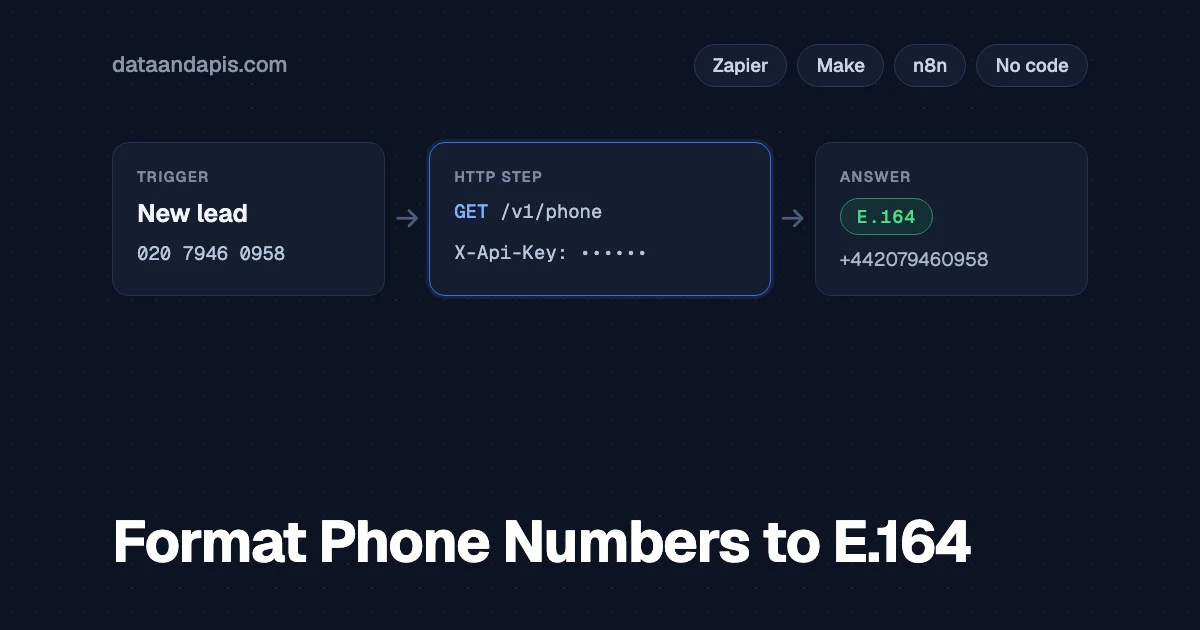
People type phone numbers every way there is: with spaces, brackets and dashes, with a leading zero, with or without the country code. Twilio, WhatsApp and most SMS tools accept only one of those ways, called E.164: a plus sign, the country code and the number, with nothing else. Anything different and the message fails to send.
This guide adds a step to Zapier, Make or n8n that takes a number as it was typed and returns it in E.164, together with whether it is a valid number at all. There is no code to write.
The Short Version
All three platforms send the same request to the Phone Number Validation API and read the answer.
GET https://api-phone-validation.dataandapis.com/v1/phone?number=020 7946 0958&country=GB
X-Api-Key: YOUR_API_KEY
{
"input": "020 7946 0958",
"valid": true,
"possible": true,
"country": "GB",
"country_calling_code": "+44",
"type": "FIXED_LINE",
"e164": "+442079460958",
"international": "+44 20 7946 0958",
"national": "020 7946 0958",
"uri": "tel:+442079460958"
}
e164 is the value you pass to your SMS or calling tool. valid tells you whether the number fits the country's numbering rules. type separates mobiles from landlines where the number itself reveals it.
Before You Start
You need one thing first: a Data and APIs key. Create a free account, click Generate API Key on the dashboard and copy the key. The Free plan gives you 500 tokens a month and asks for no card. One phone check costs 1 token, so the Free plan covers 500 numbers a month.
The examples start from a Google Sheet of leads with a phone column and write the clean number back. The same step fits in front of any action that sends a text or starts a call.
Set It Up in Zapier
Webhooks by Zapier, filters and Zaps with more than two steps are part of Zapier's Professional plan and above. They are not included in the Free plan.
- Trigger: Google Sheets, event New Spreadsheet Row, on your leads sheet.
- Action: add Webhooks by Zapier and choose the event GET.
- URL:
https://api-phone-validation.dataandapis.com/v1/phone - Query String Params:
numberon the left, the phone column from the trigger on the right;countryon the left, the two-letter country your leads usually come from, such asGBon the right. - Headers:
X-Api-Keyon the left, your key on the right. - Test the step. Zapier shows Valid, E164, Type and the other fields.
- Action: Google Sheets, event Update Spreadsheet Row, writing E164 into a clean-number column. Or go straight to your SMS app and use E164 as the recipient.
- Add Filter by Zapier before the SMS step: only continue if Valid is true.
Set It Up in Make
- Trigger: Google Sheets > Watch New Rows.
- Module: add HTTP > Make a request.
- Authentication type: choose API key. Under Credentials, add a new key: paste your key in Key, set API key placement to In the header and API key parameter name to
X-Api-Key. If Make asks for allowed service origins, enterhttps://api-phone-validation.dataandapis.com. - URL:
https://api-phone-validation.dataandapis.com/v1/phonewith Method set to GET. - Query parameters: name
number, value the phone column; namecountry, value your default country, such asGB. - Parse response: Yes. Run the module once so Make learns the fields in the answer.
- Next module: Google Sheets > Update a Row with
e164, or your SMS module withe164as the recipient. - Filter: on the line before the SMS module, set the condition
validequal totrue.
Set It Up in n8n
Copy the workflow below, click on an empty n8n canvas and paste it (Ctrl+V, or Cmd+V on a Mac). It arrives with a sample value, so you can run it before you connect anything else.
{
  "name": "Format a phone number to E.164",
  "nodes": [
    {"parameters": {}, "id": "n1", "name": "Run manually", "type": "n8n-nodes-base.manualTrigger", "typeVersion": 1, "position": [0, 0]},
    {"parameters": {"assignments": {"assignments": [{"id": "a0", "name": "phone", "value": "020 7946 0958", "type": "string"}, {"id": "a1", "name": "country", "value": "GB", "type": "string"}]}, "options": {}}, "id": "n2", "name": "Sample input", "type": "n8n-nodes-base.set", "typeVersion": 3.4, "position": [220, 0]},
    {"parameters": {"url": "https://api-phone-validation.dataandapis.com/v1/phone", "authentication": "genericCredentialType", "genericAuthType": "httpHeaderAuth", "sendQuery": true, "queryParameters": {"parameters": [{"name": "number", "value": "={{ $json.phone }}"}, {"name": "country", "value": "={{ $json.country }}"}]}, "options": {}}, "id": "n3", "name": "Data and APIs", "type": "n8n-nodes-base.httpRequest", "typeVersion": 4.2, "position": [440, 0]},
    {"parameters": {"conditions": {"options": {"caseSensitive": true, "leftValue": "", "typeValidation": "strict", "version": 2}, "conditions": [{"id": "c0", "leftValue": "={{ $json.valid }}", "rightValue": "", "operator": {"type": "boolean", "operation": "true", "singleValue": true}}], "combinator": "and"}, "options": {}}, "id": "n4", "name": "Check the answer", "type": "n8n-nodes-base.if", "typeVersion": 2.2, "position": [660, 0]},
    {"parameters": {}, "id": "n5", "name": "Valid: use e164", "type": "n8n-nodes-base.noOp", "typeVersion": 1, "position": [880, -100]},
    {"parameters": {}, "id": "n6", "name": "Not a valid number", "type": "n8n-nodes-base.noOp", "typeVersion": 1, "position": [880, 100]},
    {"parameters": {"content": "## Format a phone number to E.164\n1. Open the **Data and APIs** node and pick or create a **Header Auth** credential: Name `X-Api-Key`, Value your key from dataandapis.com.\n2. Click **Execute workflow** to try it with the sample input.\n3. Replace the first two nodes with your own trigger, and the last two with what should happen next.", "height": 220, "width": 420}, "id": "n7", "name": "Read me", "type": "n8n-nodes-base.stickyNote", "typeVersion": 1, "position": [0, -280]}
  ],
  "connections": {"Run manually": {"main": [[{"node": "Sample input", "type": "main", "index": 0}]]}, "Sample input": {"main": [[{"node": "Data and APIs", "type": "main", "index": 0}]]}, "Data and APIs": {"main": [[{"node": "Check the answer", "type": "main", "index": 0}]]}, "Check the answer": {"main": [[{"node": "Valid: use e164", "type": "main", "index": 0}], [{"node": "Not a valid number", "type": "main", "index": 0}]]}},
  "settings": {"executionOrder": "v1"}
}- Open the Data and APIs node. Under Credential for Header Auth, create a new credential with Name
X-Api-Keyand Value set to your key. - Click Execute workflow. The sample value travels through the check and comes out on one of the two branches.
- Replace Run manually and Sample input with your own trigger, for example Google Sheets Trigger with the event Row Added, and change
{{ $json.phone }}in the Data and APIs node to the field from your trigger. - Replace the two end nodes with what should happen on each branch.
Things That Trip People Up
- Country is the fallback, not an override. It is used for numbers written without a country code, such as
020 7946 0958. A number that already starts with a plus sign is read by its own country code. - Never paste the number into the URL by hand. In a URL a plus sign means a space, so
+14155552671arrives without its plus. Put the number in the parameter field, as in the steps above, and the platform encodes it correctly. - Valid means the number fits the rules, not that it rings. The check knows each country's numbering plan. It cannot tell you whether the line is in service today.
- Mobile or landline is not always knowable. In the US and Canada mobiles and landlines share the same ranges, so
typecomes back asFIXED_LINE_OR_MOBILE. - A number that cannot be read is still a normal answer. It comes back with
validset tofalseand a message, so your filter handles it and the run does not stop with an error. Only a completely empty phone field makes the step fail, so skip rows without a number.
What You Can Build With It
- SMS that sends: format every number before it reaches Twilio or your WhatsApp provider.
- CRM hygiene: store one clean format so the same person is not saved twice under two spellings.
- Lead routing: use the detected country to assign the lead to the right regional team.
- Form follow-up: when a number is not valid, reply automatically and ask for it again.
Wrap-Up
Phone numbers arrive in every shape and your messaging tools accept one. A single HTTP step in between takes the number as typed, plus a default country, and hands back E.164 and a valid flag.
Create a free key on the Phone Number Validation API page and run the phone column of your leads sheet through it.